
File:Steamdeck.jpeg and IPhone XR Compass/Gyroscope not working: Difference between pages
File on Repair Wiki
More actions
(Difference between pages)
Tiago199988 (talk | contribs) (SteamDeck OLED USB C Readings from working device) |
(migrated from old wiki) |
||
| Line 1: | Line 1: | ||
== | {{stub}} | ||
{{Repair Guide | |||
|Device= | |||
|Affects parts= | |||
|Needs equipment= | |||
|Type= | |||
|Difficulty= | |||
}} | |||
== Problem description == | |||
<!-- | |||
Provide a concise description of the issue here. Be as specific as possible to help readers quickly determine whether or not this is the exact problem they are facing. | |||
--> | |||
If your Gyroscope is not working anymore, the problem might be with a little cable going from the wireless charging coil to the housing. This cable is responsible for proper functioning of the gyroscope. If you damaged this cable while replacing the back cover or battery, you need to replace the wireless charging coil. | |||
Migrated from old Wiki | |||


Revision as of 18:17, 14 May 2025
This article is a stub. You can help Repair Wiki grow by expanding it
| IPhone XR Compass/Gyroscope not working | |
|---|---|
| Device | |
| Affects part(s) | |
| Needs equipment | |
| Difficulty | |
| Type | |
Problem description
If your Gyroscope is not working anymore, the problem might be with a little cable going from the wireless charging coil to the housing. This cable is responsible for proper functioning of the gyroscope. If you damaged this cable while replacing the back cover or battery, you need to replace the wireless charging coil.
Migrated from old Wiki
File history
Click on a date/time to view the file as it appeared at that time.
| Date/Time | Thumbnail | Dimensions | User | Comment | |
|---|---|---|---|---|---|
| current | 22:46, 12 May 2025 | 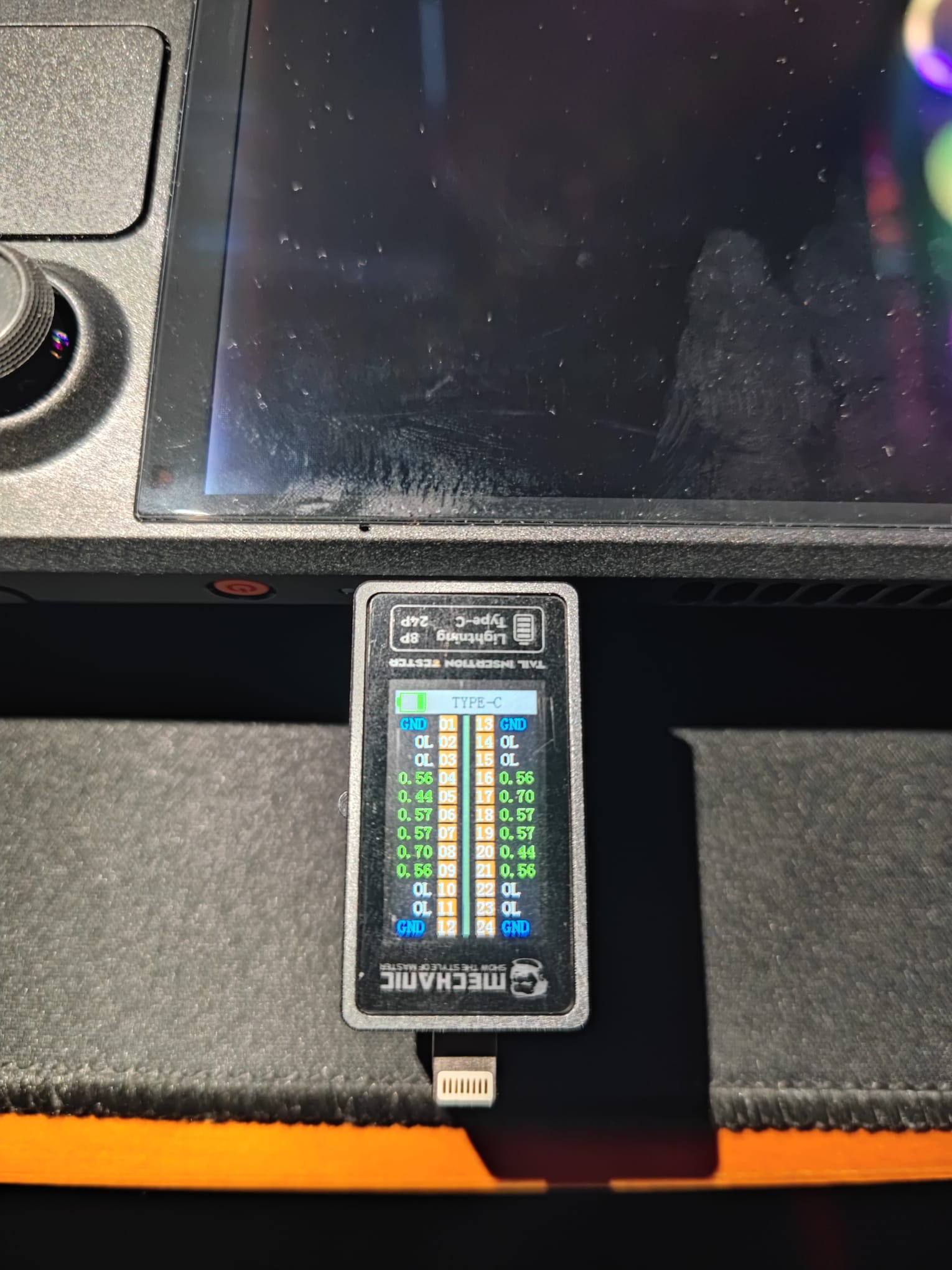 | 1,530 × 2,040 (264 KB) | Tiago199988 (talk | contribs) | SteamDeck OLED USB C Readings from working device |
You cannot overwrite this file.
File usage
The following page uses this file:
